
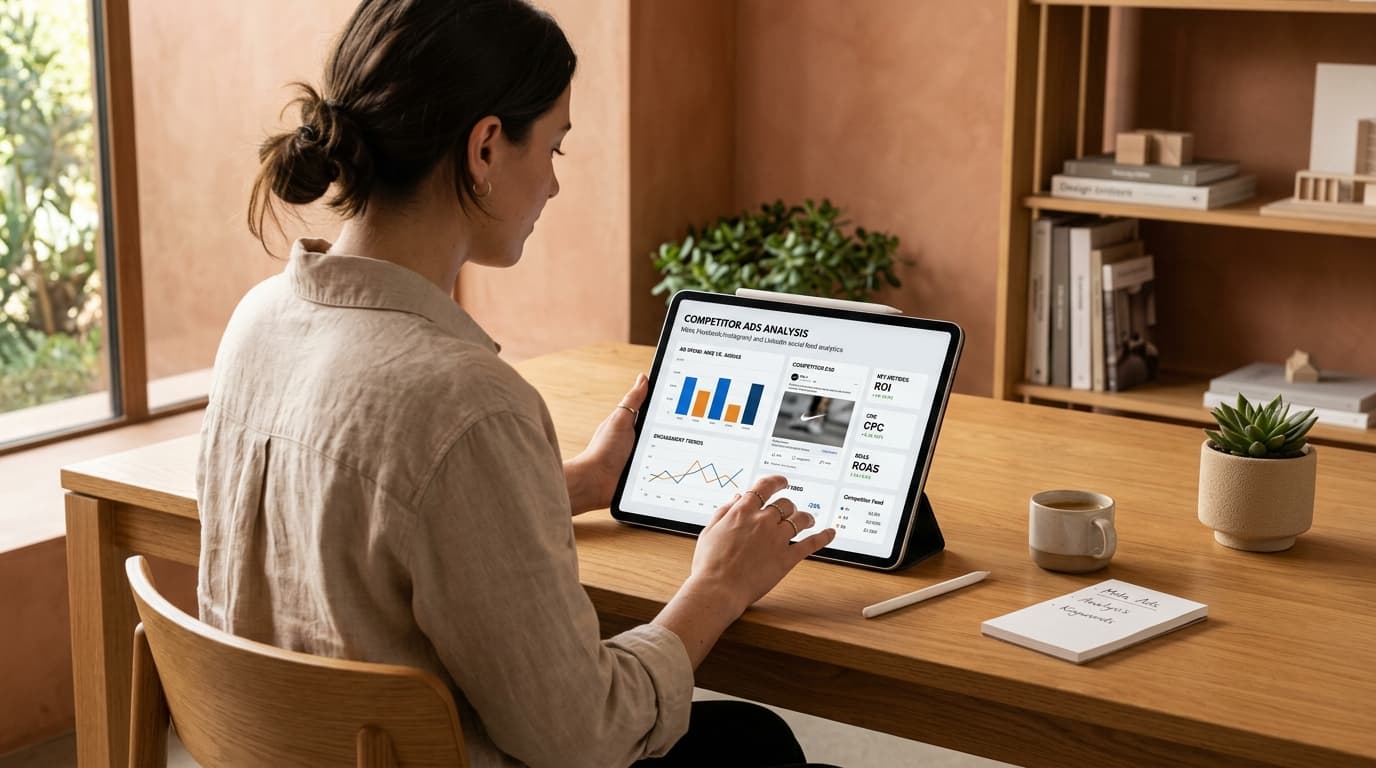
The good news:you don't need any special access, a paid spy tool, or a shady workaround. Meta, TikTok, and Google all make this information public, and once you know where to look, it takes about five minutes.
Why This Actually Matters Before You Spend a Dollar?
It's tempting to skip straight to “just show me where to look,” but understanding why this works is what makes the research actually useful afterward, instead of just interesting.
Every business running paid ads is, in effect, running a live experiment with real money. If a competitor keeps an ad running for weeks, that's not random—it's a signal the ad is converting well enough that they haven't turned it off. You're not guessing what might work in your market; you're looking at evidence of what's already working, paid for by someone else's budget instead of yours.
That's the entire value of this exercise, and it's why skipping it before launching your own first campaign is usually a mistake.
Where Competitor Ads Are Actually Public?
Three primary transparency centers give you full visibility into active creative across the major platforms:
1. Meta Ad Library
Meta is required to publish every active ad running on Facebook and Instagram, and the library is free and searchable by anyone. Type in a competitor's exact Page name, and you'll see:
- •Every ad currently active under that Page
- •The actual creative—image, video, or carousel
- •The exact ad copy and headline hook
- •How long the ad has been running (lifespan indicator)
- •Which platforms and placements it's running on (Feed, Stories, Reels)
This is the single most useful tool here because it's searchable by exact business name, not just by generic category.
2. TikTok Creative Center
TikTok's public library works a little differently: it's less built for “search this one specific competitor” and more for “show me what's performing well in this industry or region right now.” It's genuinely useful for spotting emerging creative trends and formats (like a specific transition style or hook pattern) before they're everywhere.
3. Google Ads Transparency Center
Search by advertiser name or domain to see ads a business is currently running or has recently run across Google's ad network, including search ads, YouTube video spots, and display banners. This one is especially useful if a competitor's main spend is in paid search rather than social.
What to Actually Look For Once You Find Them?
Finding the ads is the easy part. The genuinely useful skill is reading them with intent instead of just scrolling past:
1. How long has it been running?
This is the single best proxy for performance you have access to without their actual analytics. An ad live for six weeks is a much stronger signal than one that's been up for two days.
2. What's the hook in the first line or first second?
For video, this means the first 1–3 seconds before someone can scroll away. For static image or copy-led ads, it's the headline or first sentence. This is consistently the highest-leverage thing to study, because it's the part doing the most work to stop the scroll.
3. Is there a consistent pattern across several active ads, not just one?
A single ad tells you very little—it could be a test that's about to get turned off. Five or six active ads sharing a similar angle, format, or offer structure tells you something real about what's actually working for that business right now.
4. What's the actual offer or call-to-action?
Sometimes the creative is secondary to a genuinely strong offer—a specific discount, a bundle, or a limited-time framing. Note the offer structure separately from the visual style, since these are two different things you might want to test independently.
5. Does the messaging change by platform?
A business often runs a different angle on TikTok than on Facebook for the same product. Comparing across platforms shows you how they're adapting tone for different audiences—which is itself a useful lesson.
One Important Line: What Not to Do With This
Getting inspired by a competitor's ad angle, format, or offer structure is completely normal—that's the entire point of this research.
⚠️ Avoid direct copying:
Copying their actual wording, imagery, or specific claims word-for-word is a different matter entirely, and it's worth being direct about this: doing so can create real copyright and trademark exposure, not just an ethical gray area. Use what you find to understand the underlying pattern—the hook style, the offer structure, the format—and then build your own genuinely original version of it. The goal is learning from what's working, not reproducing it.
Turning What You Learn Into Your Own Ad, Fast
Here's where competitor research usually stalls for a lot of small businesses: you spot a pattern worth testing, but then it takes days to actually brief a designer, wait for a draft, revise it, and get something live—by which point the moment (a seasonal trend, a competitor's promotion window) has often passed.
This is exactly where our AI ad generator saves the most real time. Instead of writing a creative brief and waiting on a designer for every idea you want to test, you can generate a ready-to-run variation directly from a product photo or link, often within minutes. If you haven't seen the full process yet, we wrote a complete walkthrough here: How to Turn a Product Link Into a Social Media Ad in Minutes.
And once you've got a handful of fresh variations worth testing, keeping them organized, scheduled, and tracked is its own separate job—something we cover in more depth in our Buffer alternative comparison if you're also reconsidering how you manage your scheduling and calendar.
Building a Simple, Repeatable Habit Around This
You don't need to turn this into a full-time research job. A workable, low-effort routine looks like:
- Once a month: search your two or three closest competitors in Meta Ad Library and note anything new or long-running.
- Before launching any new campaign:do a quick check specifically in your category on TikTok Creative Center to see if a format or trend is emerging that you'd be behind on otherwise.
- Keep a simple running note:(a doc, a spreadsheet, whatever you'll actually maintain) of patterns you notice over time—a single observation isn't very useful, but a pattern across months genuinely is.
Frequently Asked Questions
Is it legal to look at my competitors' ads?
Yes, completely. Ads published through Meta Ad Library, TikTok Creative Center, and Google Ads Transparency Center are public by design—viewing them isn't a gray area at all, and no special permission or account access is required.
Can I copy a competitor's ad if I just change a few words?
No. Closely copying a competitor's specific wording, imagery, or creative structure can create real copyright or trademark risk, beyond just being an ethical shortcut. Use their approach as inspiration for the underlying pattern, then build your own original version.
How do I find a specific competitor's ads on Facebook or Instagram?
Search their exact Page name in Meta Ad Library. It will show you every active ad tied to that Page, the actual creative and copy, and how long each one has been running.
Does TikTok have a public ad library like Meta does?
Yes. TikTok Creative Center shows top-performing ads searchable by industry and region, though it's built more for spotting broader trends than for searching one specific advertiser by exact name.
How often should I check what my competitors are running?
There's no fixed rule, but checking monthly, plus a quick look before launching any new campaign of your own, is usually enough to catch meaningful shifts without turning it into a distraction from actually running your business.
What should I do if I can't find a competitor in Meta Ad Library at all?
This usually means they aren't currently running any paid ads on Facebook or Instagram—not that the tool is missing something. Try checking TikTok Creative Center or Google Ads Transparency Center in case their spend is concentrated elsewhere.